
PROXYMA Blog
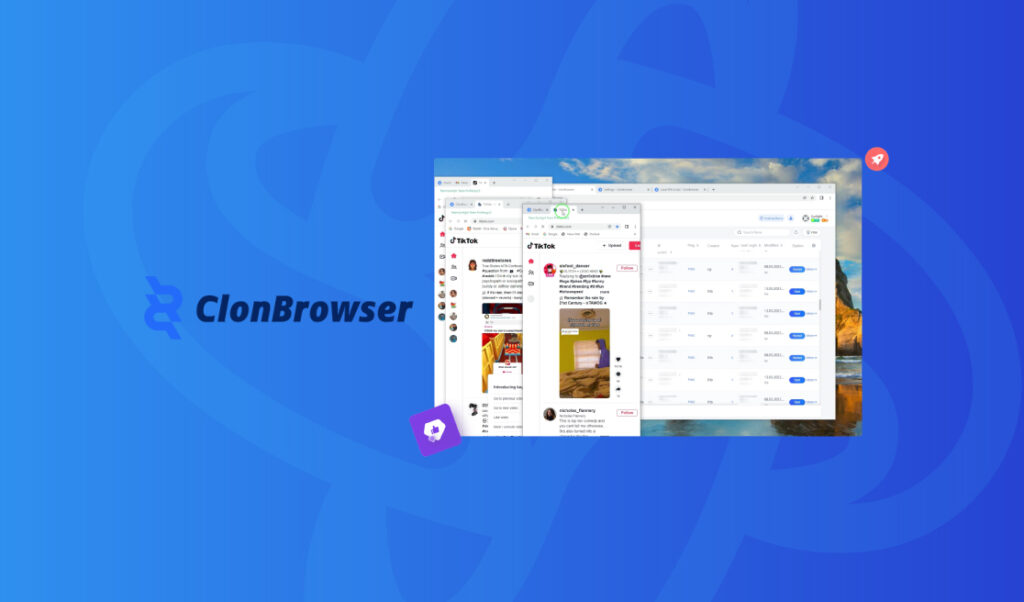
Setting up a Proxyma proxy in the ClonBrowser anti-detection browser
Today, our team has prepared a detailed guide on how the ClonBrowser anti-detection browser works in conjunction with our proxy servers. We won’t just explain the advantages and strengths of this combination, but also cover every detail: from registering and installing the browser to setting up Proxyma proxy servers. This material will be useful not only for beginners but also for those considering a change to their existing toolset.
What is ClonBrowser?
A brief theoretical introduction for beginners. What is an anti-detect browser? Is it different from a classic browser?
An anti-detect browser (also known as a multi-account browser) is an effective tool for working online.
These browsers are based on open-source browsers. They allow you to replace or mask a browser’s digital fingerprint by changing identifiers, IP addresses, and so on.
ClonBrowser is one of them. It offers users features for managing multiple accounts simultaneously. Its effectiveness has been praised by professionals in the fields of cross-border e-commerce, marketing, and digital asset management.
What’s so good about ClonBrowser?
An anti-detection browser is an important part of your work, but without reliable proxies, it’s useless. So why choose Proxyma’s proxy? Here are a few reasons:
- A wide selection of proxies for various tasks: from mobile to server.
- Flexible pricing policy: every user will find an option to suit their needs.
- Support system: users can get help and advice at any time.
- Automatically provides addresses to users.
- There is a refund option.
- There are unique tools for proxy integration.
Strengths and features of ClonBrowser:
- ClonBrowser allows you to manage multiple accounts on various platforms such as Amazon, eBay, Facebook, including support for marketing tool plugins.
- Offers protection against spyware. Users can use the site freely, without fear of account blocking or bans.
- RPA (Robotic Process Automation) support. RPA facilitates the automation of routine tasks, such as product data collection, thereby improving specialist efficiency.
- ClonBrowser supports various proxy protocols and third-party services, and allows you to manage proxy subscriptions and use local proxy services.
- A simple and ergonomic interface makes it easy for beginners to get acquainted with the browser and its functionality.
- Support for VMess, Shadowsocks, Trojan, VLESS, Local-Proxy (a plugin for a local proxy application on a mobile device) and Subscription.
Installing ClonBrowser?
Before installing ClonBrowser, don’t forget to register on the Proxima website and select a proxy server package.
There are several options:
- If you know what you need, simply register, review Proxima’s list of options and services, choose the right package, and pay.
- If you’re unsure what you need, contact support, read our blog, and choose the perfect proxy server option. There are many options, from “private proxies” to “business” options.
Once you have selected a proxy, proceed to installing the browser.
- Let’s go to the official ClonBrowser website.
- Click on the “Registration” button in the upper right corner.
- Enter your email address and original password. If you have a promo code, you can enter it immediately upon registration.
- After you have created your profile, click on the active “Download” button.
- There are 3 versions of the application: Windows, macOS (for Intel processors), macOS (for Apple Mac processors).
- Download the installation files and open the installer.
- Following the instructions, complete the installation and launch the browser.
A step-by-step guide to setting up a proxy in ClonBrowser
Step 1: Open ClonBrowser on your PC or laptop.
Step 2: Click the “New Browser” button.
Step 3: There will be three settings sections where each user can customize their profile to suit their needs. You can create several different account options at once, for different operating systems and proxies.
Step 4: After this, go to the “Proxy” section.
Step 5: Click the “Add” button.
Step 6: Select the proxy type: SSH, HTTP, HTTPS, Socks5.
Step 7: Enter all the necessary information in the fields. This information should be taken from the Proxima website. Your Proxima proxy server package will contain all the necessary information.
Step 8: We finish the setup and get to work.
So what’s the bottom line?
The result is a functional combination: ClonBrowser + fast, reliable proxy servers from Proxyma, which will positively impact workflows and the final result.
Flexible browser customization, a variety of features, an ergonomic interface, and reliable proxies guarantee a new user experience.
If you have any questions about proxy operation, setup, or connection, we’re always ready to help. Visit the Proxyma homepage and ask your questions directly in the chatbot. You can also email Proxyma at email.
Looking for a specific article?
Available categories





