
PROXYMA Blog
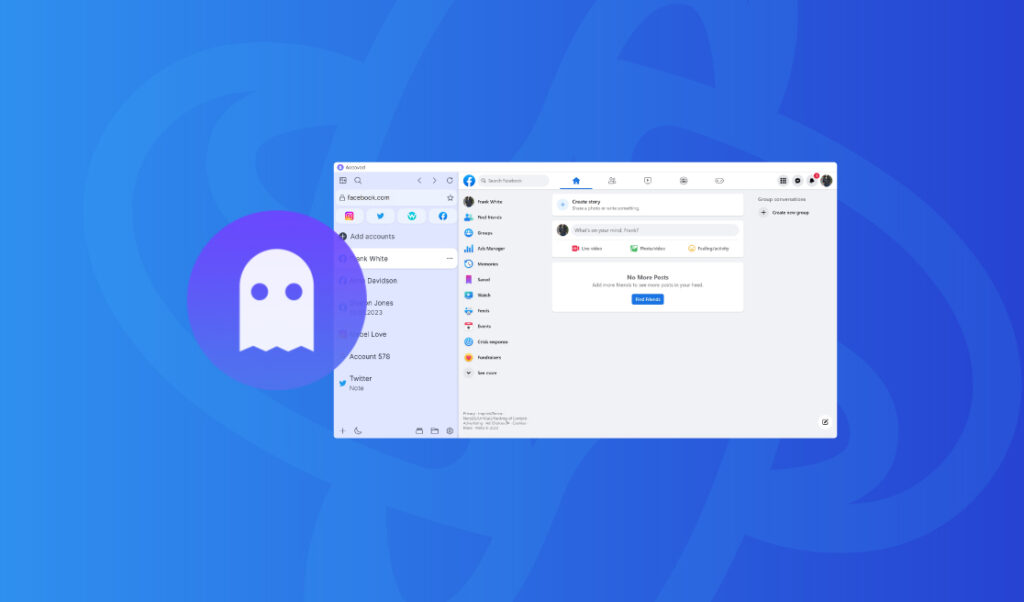
Setting up a Proxyma proxy in the Accovod anti-detection browser
Our team has prepared a guide on setting up a Proxyma proxy server in the Accovod anti-detection browser.
We won’t just explain the advantages and strengths of this combination, but also cover every detail: from registering and installing the browser to setting up proxy servers. This material will be useful not only for beginners but also for those who are considering changing their work tools.
What is Accovod?
A brief theoretical introduction for beginners. What is an anti-detect browser? Is it different from a classic browser?
An anti-detect browser (also known as a multi-account browser) is an effective tool for working online.
These browsers are based on open-source browsers. They allow you to replace or mask a browser’s digital fingerprint by changing identifiers, IP addresses, and so on.
Accovod is an anti-detection browser designed for secure and efficient management of multiple social media accounts. It offers a unique set of features for users who need simultaneous access to multiple accounts.
Accovod is highly regarded for its simplicity and ease of use, especially for users tired of cluttered interfaces and confusing settings systems. It simplifies the process by consolidating all profiles in one accessible location, making it easy to switch between them in seconds.
What’s so good about Accovod?
An anti-detection browser is an important part of your work, but without reliable proxies, it’s useless. So why choose Proxyma’s proxy? Here are a few reasons:
- A wide selection of proxies for various tasks: from mobile to server.
- Flexible pricing policy: every user will find an option to suit their needs.
- Support system: users can get help and advice at any time.
- Automatically provides addresses to users.
- There is a refund option.
- There are unique tools for proxy integration.
Distinctive features and advantages of Accovod:
- Each account receives a unique fingerprint, which reduces the risk of detection and account blocking.
- It’s possible to set individual proxies for each profile. The system is very simple and convenient.
- Accovod provides complete isolation of each browser profile, protecting cookies, cache, and storage.
- Accovod software uses advanced fingerprinting technologies to protect each profile from online tracking.
- Accovod includes built-in features to automate routine tasks, increasing efficiency and streamlining workflows.
- There is a special mode for working with mobile proxy servers.
- Manual text input emulation function.
Installing Accovod
Before installing Accovod, don’t forget to register on the Proxima website and select a proxy server package.
There are several options:
- If you know what you need, simply register, review Proxima’s list of options and services, choose the right package, and pay.
- If you’re unsure what you need, contact support, read our blog, and choose the perfect proxy server option. There are many options, from “private proxies” to “business” options.
Once you have selected a proxy, proceed to installing the browser.
- Let’s go to the Accovod website.
- Let’s go through registration.
- We pay for a suitable package (there are only 2 to choose from).
- We’ll start downloading the installation files. Wait for it to finish.
- Install Accovod on your PC or laptop. Launch it.
A step-by-step guide to setting up Accovod proxies
Once you have completed all the previous processes, you can safely proceed to setting up the proxy.
Step 1: Launch Accovod.
Step 2: On the main screen there will be a button “Add account”.
Step 3: The open window will have two tabs. We need the second one, “Settings.”
Step 4: A field will open where you can configure settings for the profile.
Step 5: In this window, you can select everything from the proxy type to the profile language.
Step 6: This completes the proxy connection. You can begin working.
The bulk proxy addition feature is also worth mentioning. A menu opens with all active accounts and full details about them. A separate “Proxy” column allows you to change proxies for all accounts at once. The key is to have the addresses handy. We recommend opening the Proxima website in parallel and simply copying the addresses from your proxy package to avoid any errors during setup.
And what do we get as a result?
The result is a functional combination: Accovod + fast, reliable proxy servers from Proxyma, which will positively impact work processes and the final result.
Accovod is a great option for those who value their time and comfort. The developers have created one of the most user-friendly anti-detection browsers on the market.
If you have any questions about proxies or how to connect, we’re always ready to help. Visit the Proxyma homepage and ask your questions directly in the chatbot. You can also email Proxyma at email.
Looking for a specific article?
Available categories





