
PROXYMA Blog

Hey everyone, today we’ll learn how to generate a proxy list on the proxyma website, test them, and use them in GeeLark. Let’s get started!
Especially for GeeLark users, Proxyma offers a 20% discount on the purchase of any plan using the promo code GeeLark
- Launch GeeLark and go to the “Proxy” tab to see what proxy formats GeeLark recognizes.
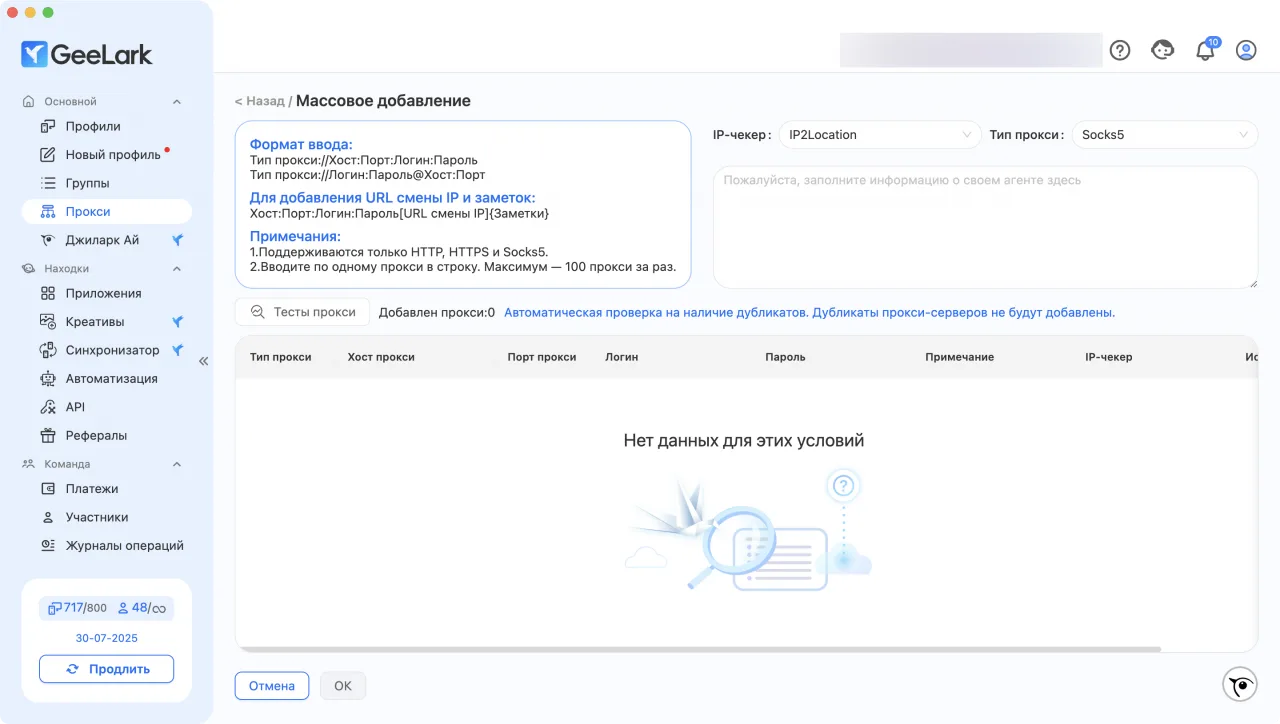
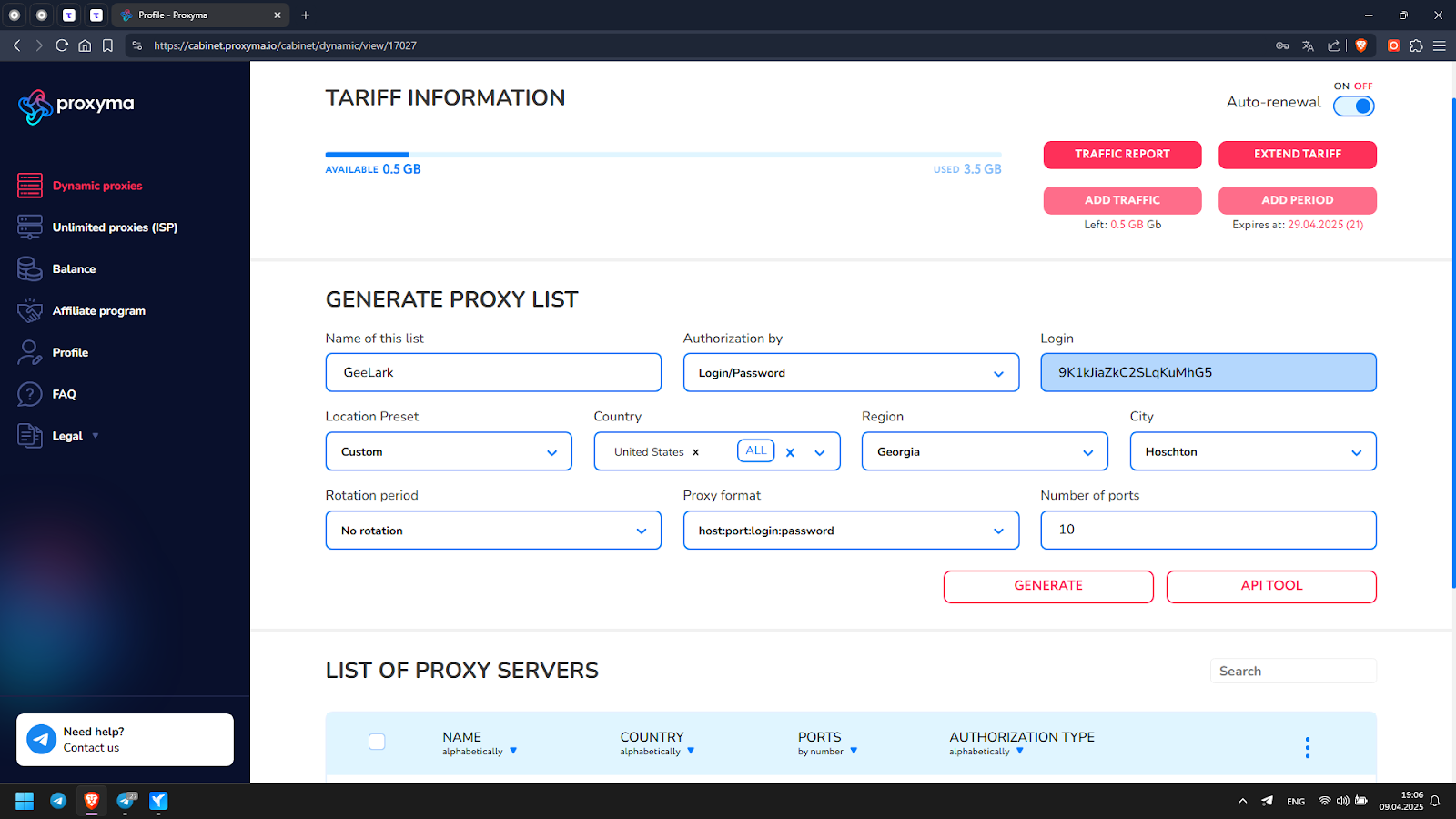
- In the proxy list generation menu, select the format that GeeLark gave us. For example, select the USA and specify the city and state in detail. Click Generate.
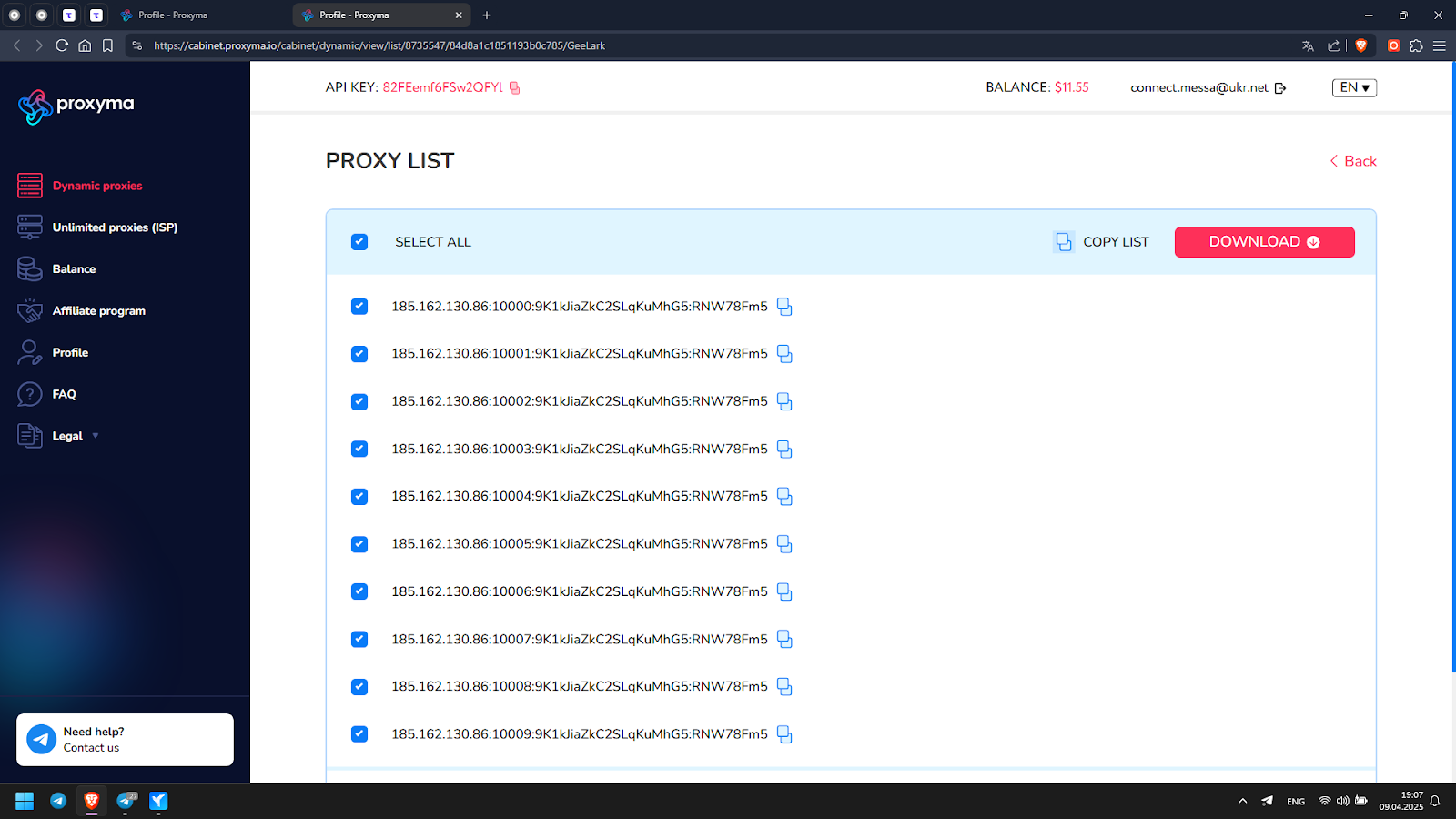
- Select all proxies and click copy list
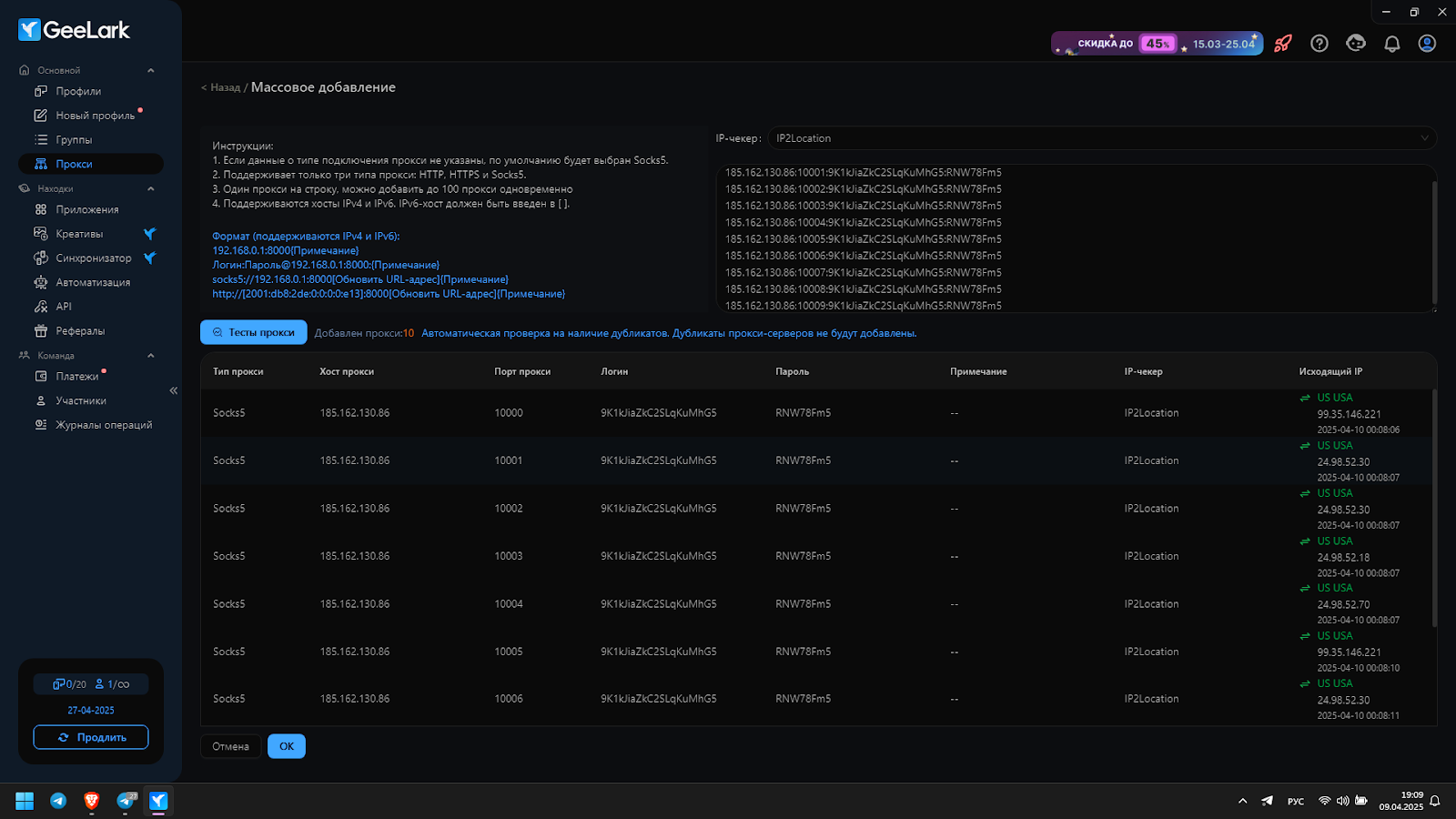
- We open GeeLark, paste our list into the appropriate field and click “Test proxy”, GeeLark tests the connection with each of them and we see the result on the right
- Go to the “New Profile” tab and see a very detailed, cool, convenient menu for creating a profile with all possible parameters, name our profile, select “Saved Proxies” and see a list of our previously added proxies, select one of them
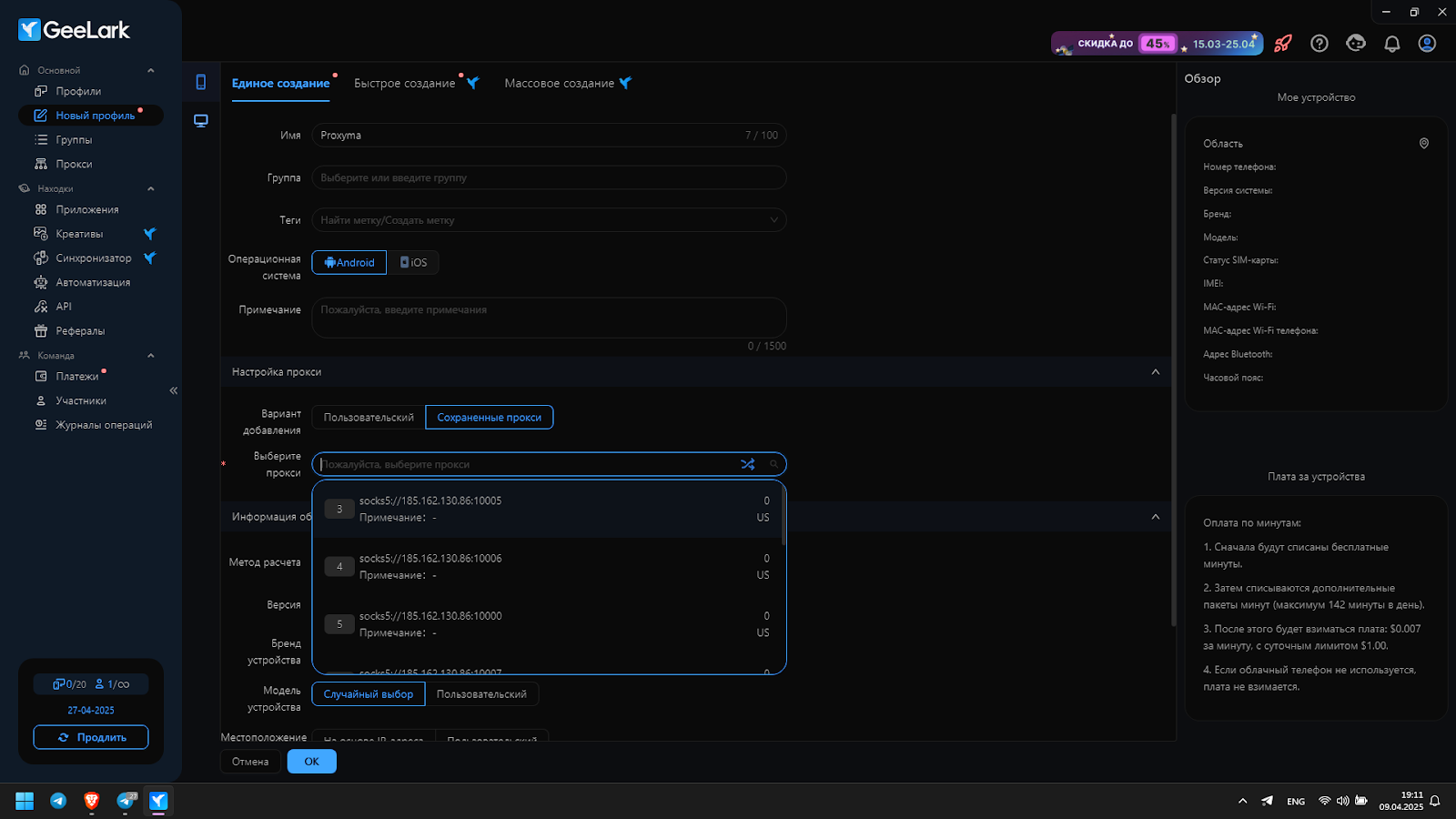
- And also note – EXCLUSIVELY ONLY IN GeeLark – you can create a device for the Android mobile platform
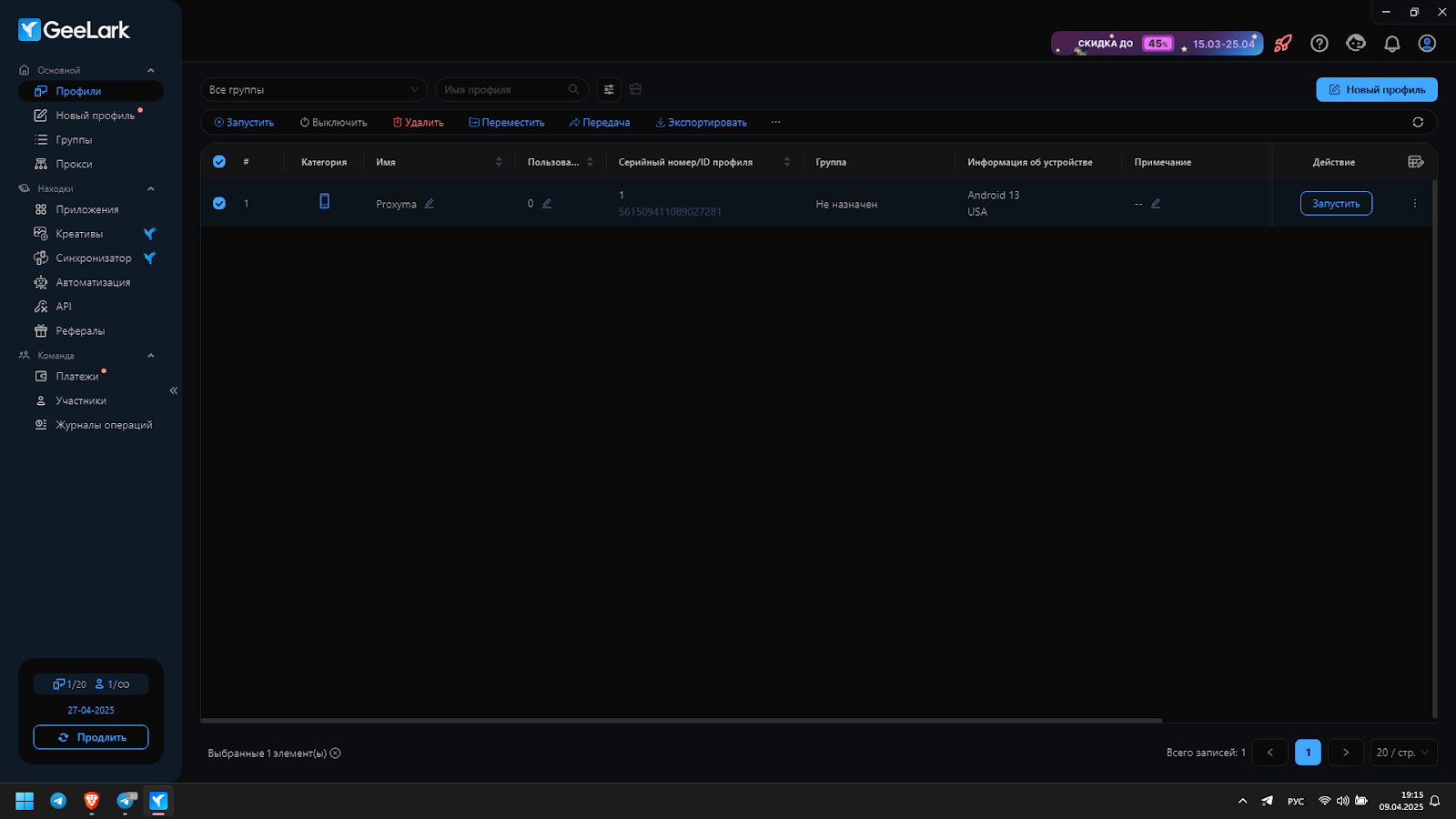
- We see our profile in the list, click run
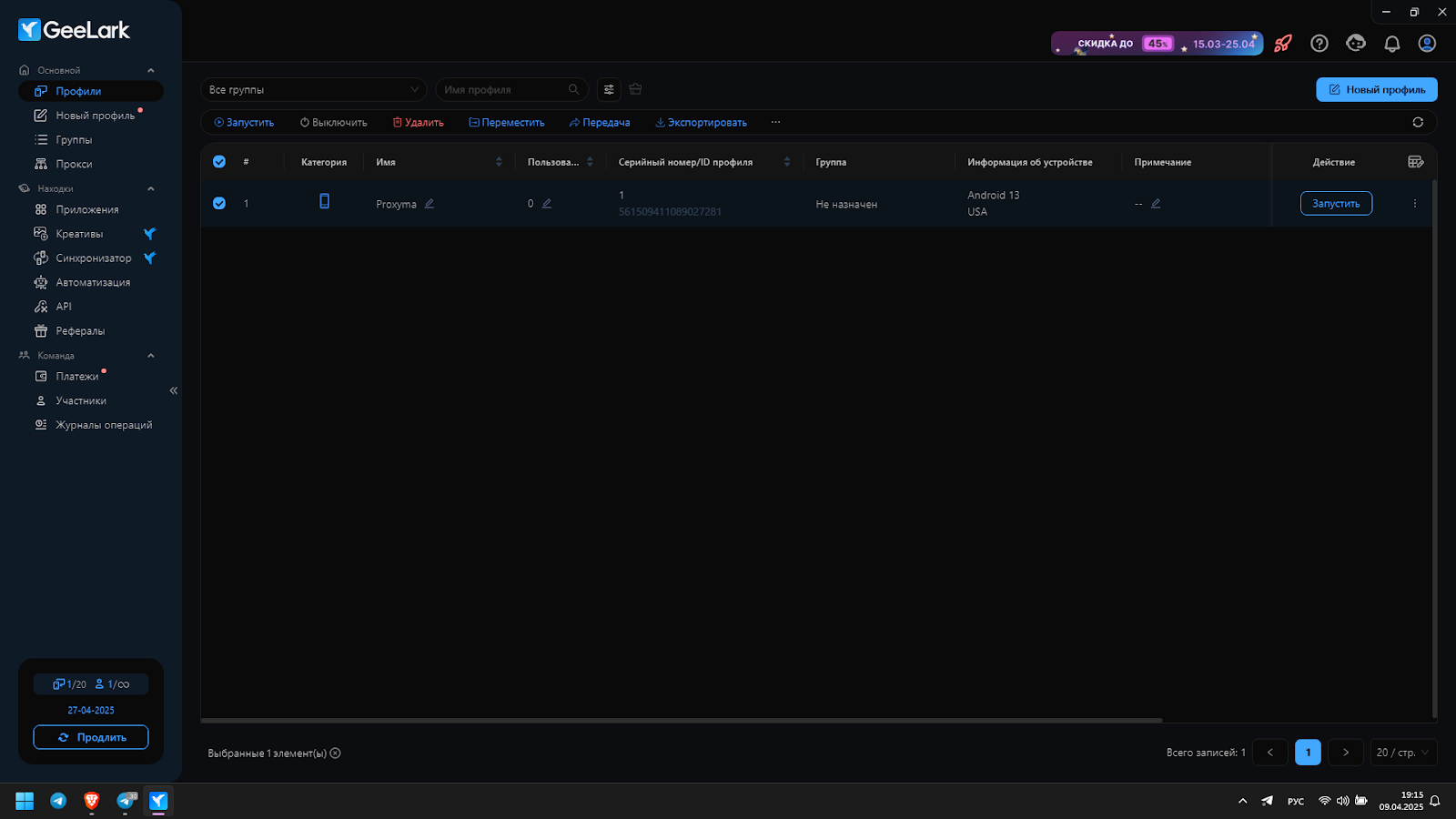
- We see our fully functional Android 13 device with our previously added US proxy
Further, there are a ton of different development and usage options, whether it’s farming accounts for Arbitration, multi-accounting, cryptocurrency mining with 10, 100, 1000 profiles—the choice is yours. Thank you for your attention. If you have any questions, please contact Proxyma support, we’re available 24/7.
Looking for a specific article?
Available categories





