
PROXYMA Blog
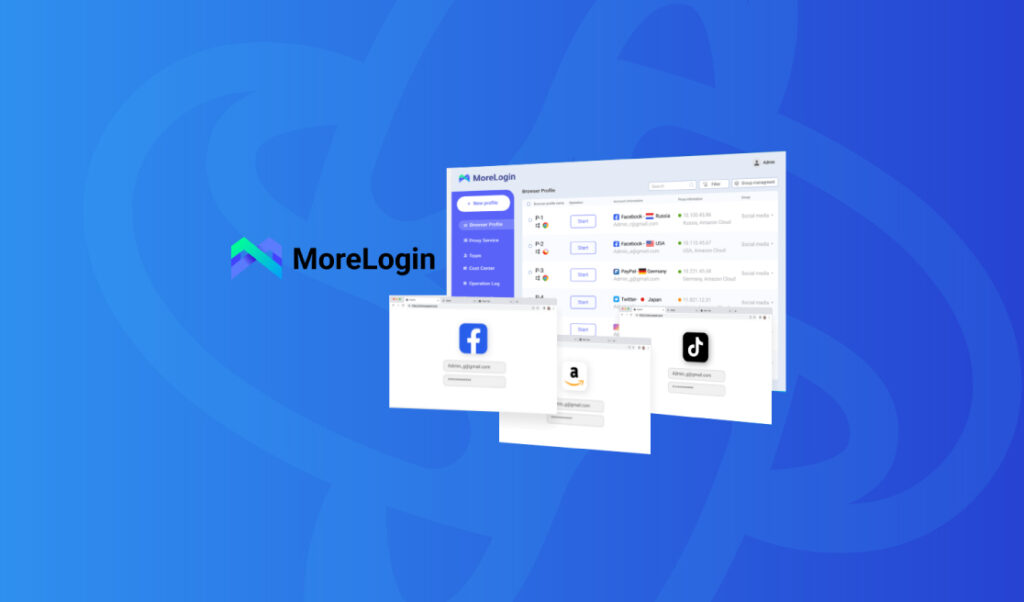
Setting up a Proxyma proxy in the anti-detection browser More Login
The Proxyma team has prepared a complete guide for you on setting up a Proxyma proxy server in the More Login anti-detection browser. We won’t just explain the advantages and strengths of this combination, but also cover every detail: from registering and installing the browser to setting up proxy servers. This material will be useful not only for beginners but also for those who are considering changing their work tools.
What is More Login?
A brief theoretical introduction for beginners. What is an anti-detect browser? Is it different from a classic browser?
An anti-detect browser (also known as a multi-account browser) is an effective tool for working online.
These browsers are based on open-source browsers. They allow you to replace or mask a browser’s digital fingerprint by changing identifiers, IP addresses, and so on.
More Login is an anti-detection browser designed for managing multiple accounts. It allows you to securely manage accounts in various industries, such as e-commerce, affiliate marketing, cryptocurrency, and social media. The browser uses machine learning technologies to collect fingerprint patterns from real users worldwide, making it particularly effective at bypassing website blocking algorithms.
What’s so good about More Login?
An anti-detection browser is an important part of your work, but without reliable proxies, it’s useless. So why choose Proxyma’s proxy? Here are a few reasons:
- A wide selection of proxies for various tasks: from mobile to server.
- Flexible pricing policy: every user will find an option to suit their needs.
- Support system: users can get help and advice at any time.
- Automatically provides addresses to users.
- There is a refund option.
- There are unique tools for proxy integration.
Now let’s talk about the benefits of More Login:
- Ensures each profile has a unique digital fingerprint.
- Allows you to simulate various physical devices, minimizing the risk of blocking work accounts.
- Offers advanced features for team collaboration. This allows you to manage access and settings for different team members, which is useful for large projects and businesses.
- There is support for automation using a local API, which makes it easier to complete large-scale tasks.
- Thanks to automation support, it is possible to integrate with browser automation frameworks such as Selenium and Puppeteer.
- Fingerprint security technology easily overcomes locking systems, ensuring uninterrupted operation.
- A free trial is available for 2 permanent profiles.
Installing More Login
Before installing More Login, don’t forget to register on the Proxima website and select a proxy server package.
There are several options:
- If you know what you need, simply register, review Proxima’s list of options and services, choose the right package, and pay.
- If you’re unsure what you need, contact support, read our blog, and choose the perfect proxy server option. There are many options, from “private proxies” to “business” options.
Once you have selected a proxy, proceed to installing the browser.
- Let’s go to the official More Login website.
- You can proceed directly to downloading the software.
- There are two versions: Windows and macOS, but soon there will be a version for Android OS (which is nice).
- Select the appropriate version and start downloading files.
- Open the installer file and start the installation process.
- We follow the instructions.
- Everything is ready. You have More Login installed. You can get started.
A step-by-step guide to setting up a proxy in More Login
Before you begin, make sure you have completed all the previous steps.
Step 1: Open More Login on your device.
Step 2: On the main screen, the “New Profile” button will be active. Click it.
Step 3: A new profile panel will open in front of you for working and setting it up.
Step 4: There are several options for creating a profile, but we need “Advanced”.
Step 5: Go to it and begin entering all the necessary information. The interface is very simple and clear, and setup doesn’t take much time.
Step 6: Select the appropriate parameters and enter the proxy server information.
Step 7: Gradually move down the settings menu.
Step 8: Complete and confirm your actions. Now you’re ready to get started.
And what do we get as a result?
The result is a functional combination: More Login + fast, reliable proxy servers from Proxyma, which will positively impact your workflow and the final result.
If you have any questions about proxies or how to connect, we’re always ready to help. Visit the Proxyma homepage and ask your questions directly in the chatbot. You can also email Proxyma at email.
Looking for a specific article?
Available categories





